Read with KTool
KTool sends web articles, newsletters, and RSS items to your Kindle. Send one article now or collect several into a magazine for later.
Install the extension and send your first article
The browser extension is the recommended way to send a single article. It captures the content loaded in your browser, including articles behind a paywall or sign-in that you already have access to.
- Install the browser extension, open it, and sign in to KTool.
- Connect your Kindle and approve your full personal KTool sender address in Amazon.
- Open the article you want to read. Sign in to the publisher if needed and wait for the full article to load.
- Open the KTool extension and choose Send to Kindle, then connect your Kindle to Wi-Fi and sync.
Allow time for conversion and Amazon delivery. If the article does not appear, use the delivery checklist.
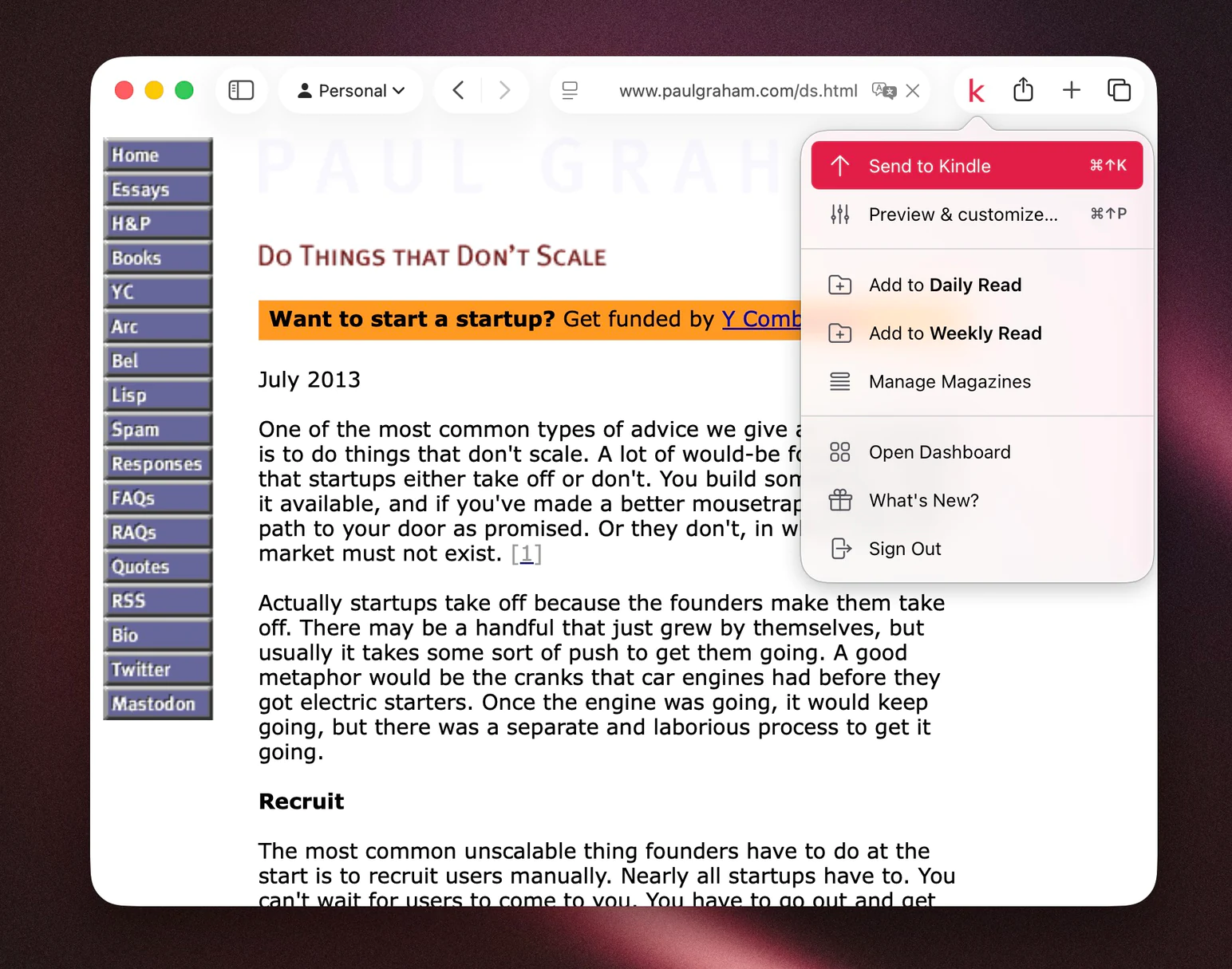
Choose how to send
- Browser extension: recommended for individual articles, including pages you can read behind a paywall or sign-in.
- Quick Send: paste a public article link into the web app.
- Amazon’s Send to Kindle: recommended for documents. The official website supports files up to 200 MB each. KTool retains legacy document uploads for existing customers with upload access.
- Mobile app: share article links from your phone.
Build your reading queue
- Daily and weekly magazines: combine saved articles and choose a delivery schedule.
- Custom magazines: collect related articles or chapters in one ebook.
- RSS feeds (paid plans with RSS access): follow publications and choose where new items go.
- Email newsletters: forward issues to your personal KTool inbox.
- Send history: search, resend, or download a previous article.
Settings and help
Adjust images, color, and links, check supported content and formats, or get help with your account and your subscription.
For errors or missing content, start with troubleshooting.