Supported content and formats
KTool turns readable web content into files for your reader and retains document uploads for legacy customers. The quality depends on what the source makes available and how the document is structured.
Web articles
Use the full article URL. Homepages, search results, interactive applications, and pages that load little readable text may not produce a useful ebook. A publisher's layout will not necessarily be preserved.
The browser extension is recommended for single articles. It captures the loaded page, including articles behind a paywall or sign-in that you have access to. Open the full article using your publisher account before sending. Quick Send and RSS do not use your browser’s signed-in session.
Uploaded documents
For documents, we recommend Amazon’s official Send to Kindle website. It supports files up to 200 MB each, including PDF, EPUB, DOC, and DOCX. See Amazon’s page for the full list of supported formats.
KTool retains legacy document uploads for existing customers with upload access. The KTool uploader accepts one Markdown, DOCX, EPUB, or PDF file at a time, up to 20 MB. Amazon’s tool is our recommended choice for document delivery.
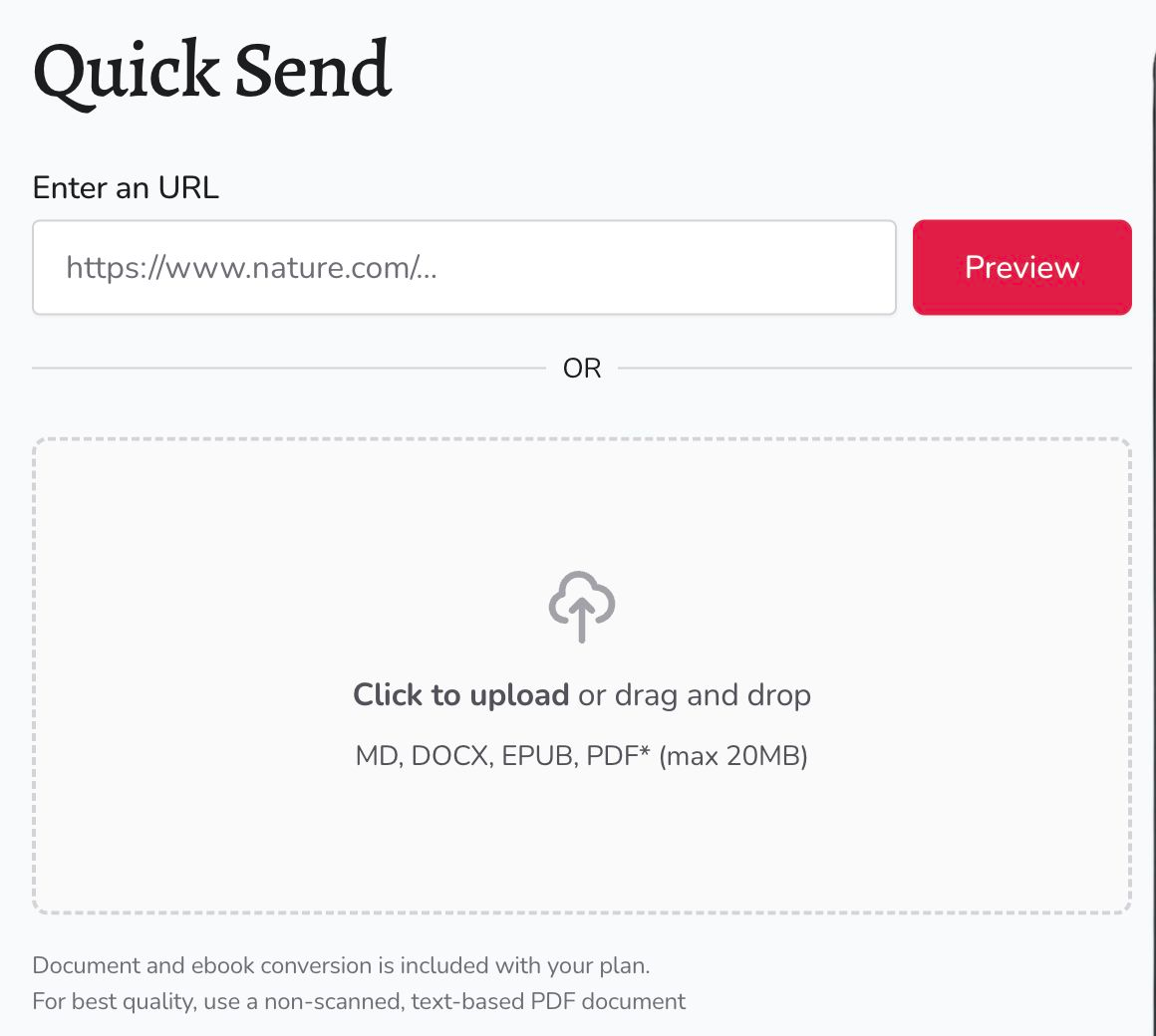
KTool’s legacy uploader supports PDFs. The web app does not offer a PDF output selector for web articles. Use text-based PDFs where possible. Scans, complex tables, multiple columns, and image-heavy pages can lose structure during conversion. A filename ending in .pdf does not guarantee that the file contains extractable text.
X Articles and long-form Posts
X Articles and long-form Posts require a paid plan or an active trial. Use web Quick Send: paste the URL and choose Send to load and send it. X preview is unavailable.
Standard Posts and threads are not supported. Older Twitter-thread demos are out of date. Deleted, private, or otherwise inaccessible content may also fail.
Hacker News discussions
Use the discussion URL containing item?id= to send the discussion. Use the external story URL to send the linked article. These are separate sources and can produce different documents.
Newsletters and RSS
Newsletters use the content of the forwarded email. RSS feeds require a paid KTool plan with RSS access and depend on what the feed or article makes available. A paid KTool plan does not include a subscription to the source publication. For a full article you can read after signing in, use the browser extension on that page.
Other delivery destinations
Delivery settings also offers PocketBook and Dropbox destination types. Use the receiving address from your chosen service and check the complete destination before saving. Delivery setup and reading behavior depend on that service.