Daily and weekly magazines
A magazine combines saved articles into one ebook. Use Daily Magazine for a daily reading queue, Weekly Magazine for a weekly collection, or a custom magazine for a topic or project.
Add articles
Open an article in the browser extension and choose Add to Daily Magazine or Add to Weekly Magazine. You can also route newsletters into these queues. RSS feeds can feed a magazine when you have a paid plan with RSS access.
Adding an article to a magazine queues it for that magazine. It does not send an individual copy immediately.
Set the schedule
- Open Daily Magazine or Weekly Magazine.
- Check the queued articles.
- Select Edit schedule, then choose the delivery hour and time zone. For Weekly Magazine, also choose the weekday.
- Check the displayed schedule after making your changes.
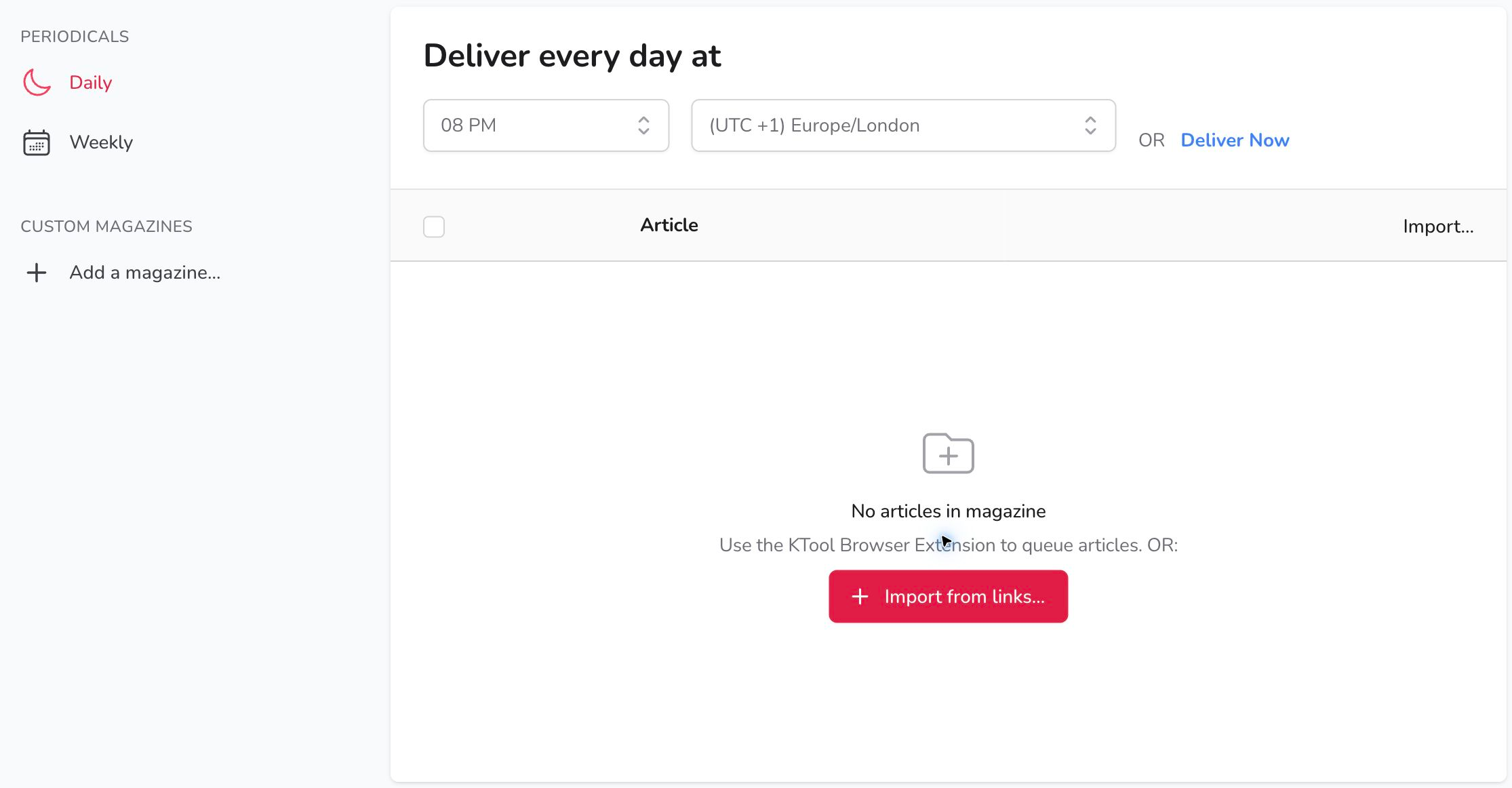
The time zone matters when you travel or want delivery at a particular local time. The scheduled time starts KTool's delivery process; Amazon may take additional time to make the document available on your Kindle.
Deliver without waiting
Choose Deliver Now in the magazine, review the delivery dialog, and select Send Now. Wait for confirmation before sending again to avoid duplicate copies.
Change the ebook title
Open Magazine settings to choose the default title, the first article's title, or a custom title format where offered. Review the title in the delivery dialog before sending manually.
Build a collection on one topic
Use a custom magazine for a reading list, research collection, or chapters from a web guide. You can choose manual delivery or a daily or weekly schedule.
If a magazine is missing
Confirm that the articles are in the expected queue, then check its delivery schedule and time zone. RSS and newsletter destinations are separate settings: an item sent directly to Kindle will not be waiting in Daily Magazine. If the send completed but the ebook has not arrived, follow the delivery checklist.